Copy and Paste Instagram Video Link
Copy the link of the Instagram video you want to convert and paste it into the tool.
Denote powerful tool allows you to extract high-quality audio from any Instagram video effortlessly. Whether you want to save your favorite content as audio or repurpose it, converting Instagram video to audio has never been easier.
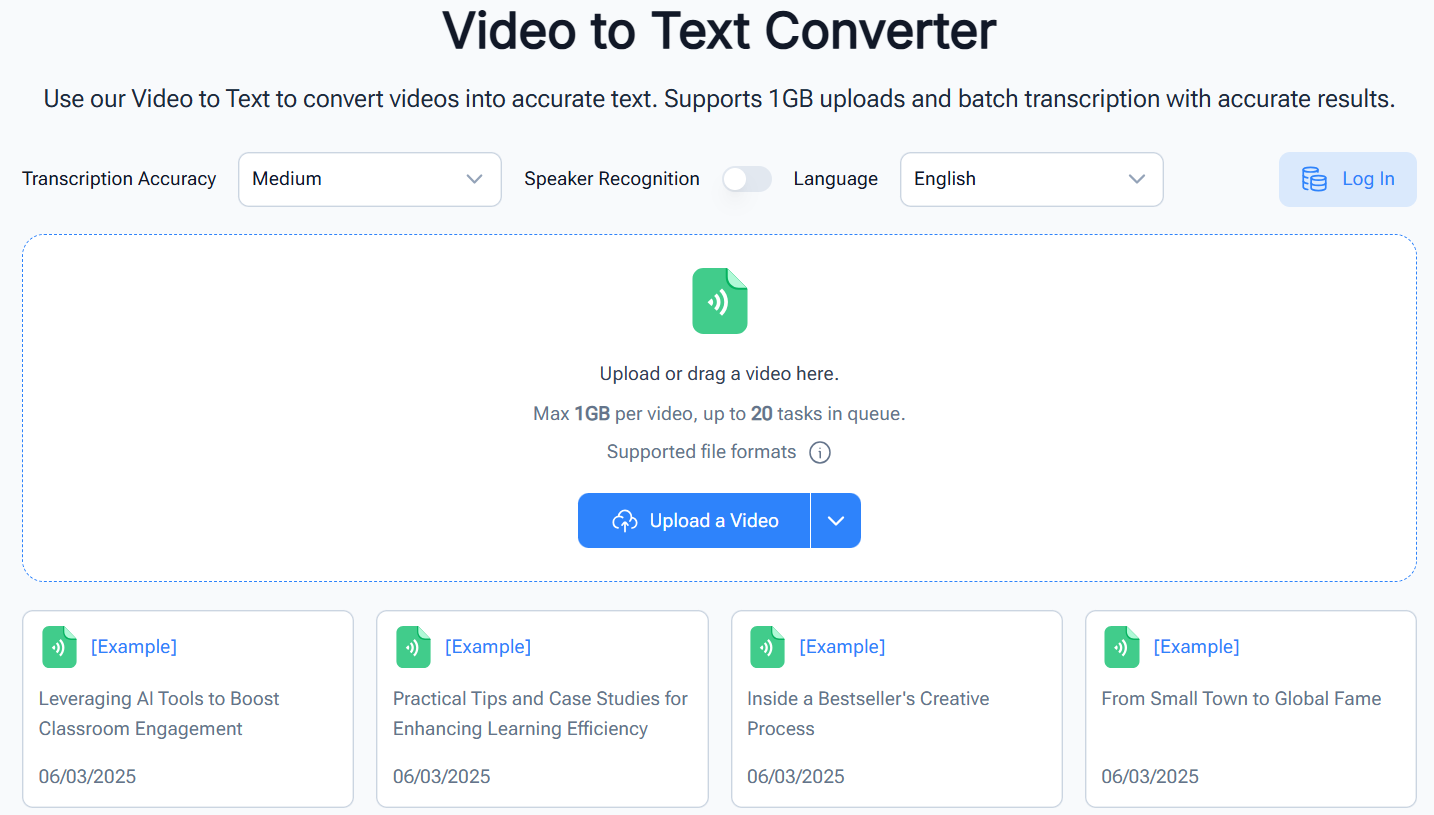


Denote's Instagram Video to Audio tool quickly converts video to audio without losing sound quality. Whether you’re capturing music, interviews, or voiceovers, the tool ensures clear audio output. Users can extract audio from Instagram reels, stories, or uploaded clips efficiently, saving hours compared to manual methods.
Instagram Video to AudioWith Denote, converting Instagram video to audio maintains crystal-clear sound. Creators can easily extract dialogues, soundtracks, or narration to enrich podcasts or content series. The tool supports multiple video types, making it versatile for any creative workflow.
Instagram Video to Audio

Denote ensures that converting Instagram video to audio retains every detail, from subtle background music to vocals. The tool is perfect for content creators needing audio clips for personal projects or professional use, providing high-quality sound every time.
Instagram Video to AudioDenote allows users to convert Instagram video to audio for offline listening or transcription purposes. This makes video content accessible for visually impaired users, language learners, or anyone preferring audio formats. The tool simplifies content consumption while maintaining original audio clarity.
Instagram Video to Audio
Follow three simple steps to convert Instagram video to audio quickly.
Copy the link of the Instagram video you want to convert and paste it into the tool.

Click the "Convert" button to start extracting audio from the Instagram video.

Once the conversion is complete, download the MP3 file and enjoy your audio.

Denote powerful tool allows you to extract high-quality audio from any Instagram video effortlessly. Whether you want to save your favorite content as audio or repurpose it, converting Instagram video to audio has never been easier.
Start Convert Instagram Video to Audio